Agentic Payments Hackathon Toronto/Highline Beta, Toronto/13 to 15 Nov 2026
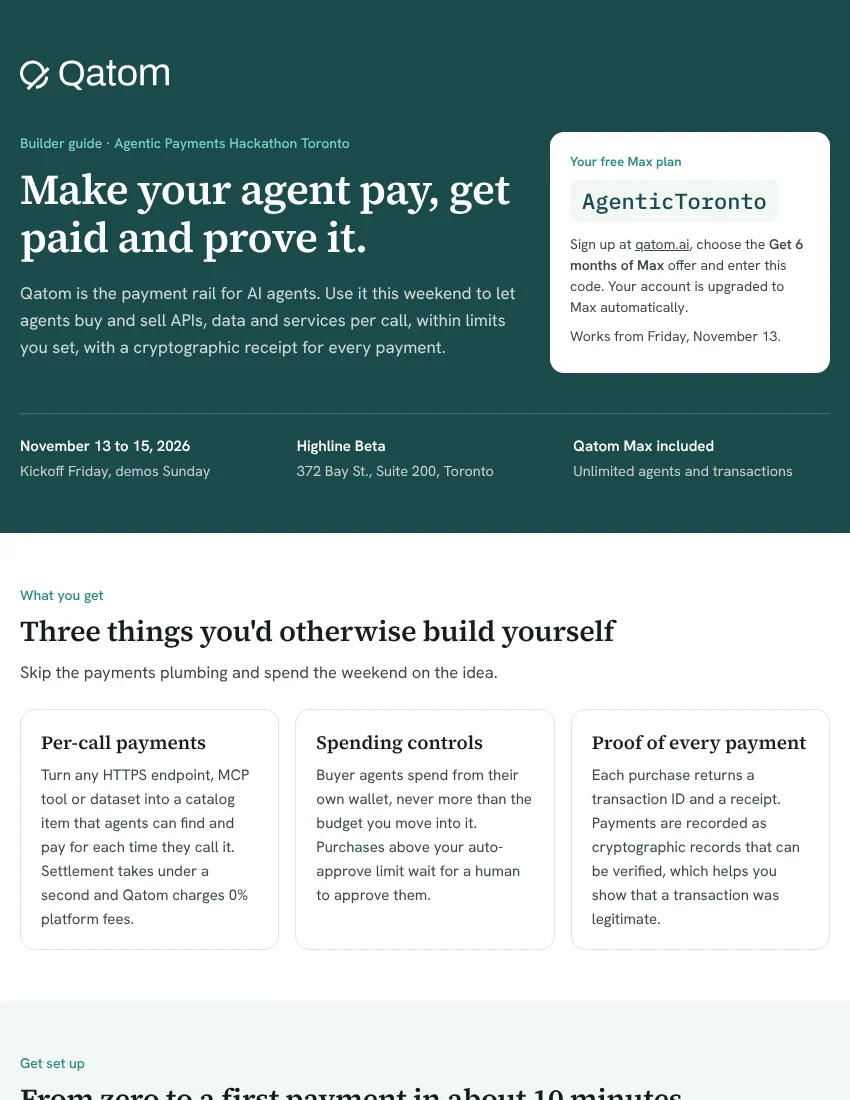
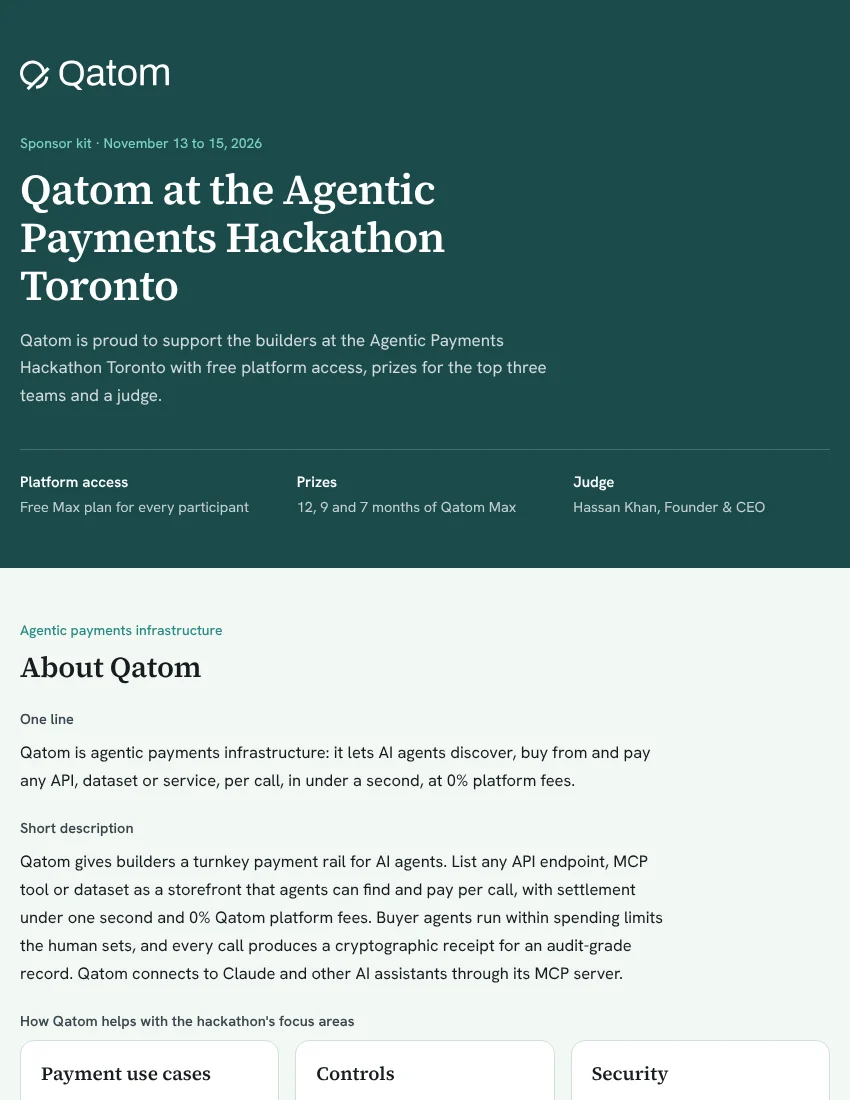
Qatom is proud to support the builders at the Agentic Payments Hackathon Toronto with free platform access, prizes for the top three teams and a judge. Use Qatom this weekend to let agents buy and sell APIs, data and services per call, within limits you set, with a cryptographic receipt for every payment.
Your free Max plan
AgenticToronto
Sign up at qatom.ai and enter this code in the Promo code field of the Max offer form. It gives you six months of Max free as an Agentic Payments Builder: unlimited agents and transactions, and up to 1,000 catalog items. Works from Friday, November 13.
01
First place
12 months
Qatom Max
US$3,600 value
02
Second place
9 months
Qatom Max
US$2,700 value
03
Third place
7 months
Qatom Max
US$2,100 value
Max is US$300 a month: unlimited agents and transactions and up to 1,000 catalog items, so your project can keep running after Sunday.
Skip the payments plumbing and spend the weekend on the idea.
01
Turn any HTTPS endpoint, MCP tool or dataset into a catalog item that agents can find and pay for each time they call it. Settlement takes under a second, and Qatom charges 0% platform fees.
02
Buyer agents spend from their own wallet, never more than the budget you move into it. Purchases above your auto-approve limit wait for a human to approve them.
03
Each purchase returns a transaction ID and a receipt. Payments are recorded as cryptographic records that can be verified, which helps you show that a transaction was legitimate.
Go to qatom.ai and enter AgenticToronto in the Promo code field of the Max offer form, for six months of Max free. Sign in with an email code or a passkey, and use the same email every time so you always see the same wallets.
Add the Qatom MCP server as a custom connector in Claude, Grok, Muse or any MCP client. Using an agent framework? npx skills add TODAQmicro/qatom-skill installs the Qatom skill.
https://mcp.m.todaq.net/mcp
Your first sign-in creates a primary wallet (yours) and an agent wallet (what your agent spends from). Ask your agent to “check my agent wallet.” Balances are in USD-TDN, where 1 USD-TDN = 1 USD.
Top up the primary wallet, move a few dollars to the agent wallet and approve the transfer. Then set an auto-approve limit: purchases at or under it go through, and anything above it waits for your approval.
Ask your agent to search the catalog, read an item’s price and inputs, and buy it. Keep the transaction ID from the receipt. You now have a working agentic payment.
BUY
Connect to the master MCP and use its tools in your agent’s loop.
catalog_search finds tools and data by need.agent_checkout buys from the agent wallet.SELL
Register at dashboard.qatom.ai and click Start my MCP server.
openssl rand -hex 24) and return 404 without it.01
A paid API or MCP tool billed per call. Agent-to-agent commerce, where one agent sells data and another buys it. Revenue splits that pay a partner their share at the moment of sale, across up to 200 payees.
02
A shopping agent with a hard budget and an auto-approve limit. Human approval for larger purchases, by link or in the Qatom Authenticator app. Delegation: a team agent spending from its own wallet.
03
Endpoints that refuse any call that didn’t come through a paid purchase. Spotting overspending or redirection by checking the seller and price before approving. An audit trail built from receipts and transaction IDs.
Founder & CEO, Qatom
Co-founder & CEO, TODAQ Labs
Hassan Khan is the Founder and CEO of Qatom, the market and payment rail for the AI economy, where AI agents buy and sell APIs, data and digital assets. He also co-founded TODAQ Labs, the Toronto deep-tech lab he has led as CEO since 2017, whose research partners include the Centre for ReDecentralisation at the University of Cambridge. He has spent more than 25 years at the intersection of cryptography, cybersecurity, business and finance: a retired Canadian Army Major (Signals), a Senior Engagement Manager at McKinsey & Company, and the founder of Quantius, a fintech lender acquired in 2019.
What he will look for: a payment flow that actually works on Qatom, real use of spending controls, and how clearly the project shows each transaction is safe and verifiable.
{"inputSchema": {...}} with "additionalProperties": false. Qatom forwards only the arguments you declare.catalog_search; private items are reachable only through your own MCP server./llms.txt describing your items so other agents know how to call them.Setup, the buyer and seller paths, ideas for the three focus areas, prizes and the details that save time.
Open the builder guide →Qatom’s support for the hackathon at a glance: about Qatom, platform access, prizes and the judge.
Open the sponsor kit →Stuck? The Qatom team is at the event. Come find us, or email hello@qatom.ai any time over the weekend. Docs: docs.qatom.ai · Guides: qatom.ai/learn